No products in the cart.
Connecting BuddyPress and BuddyBoss communities with
has never been easier thanks to Business Pages.
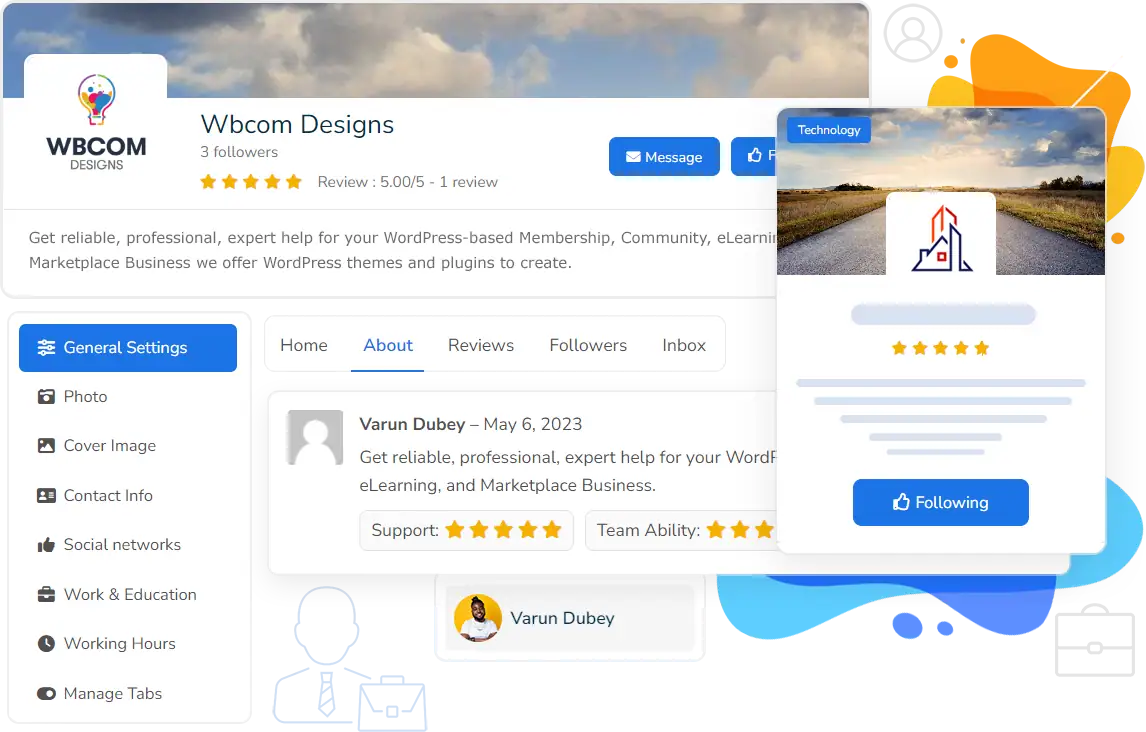
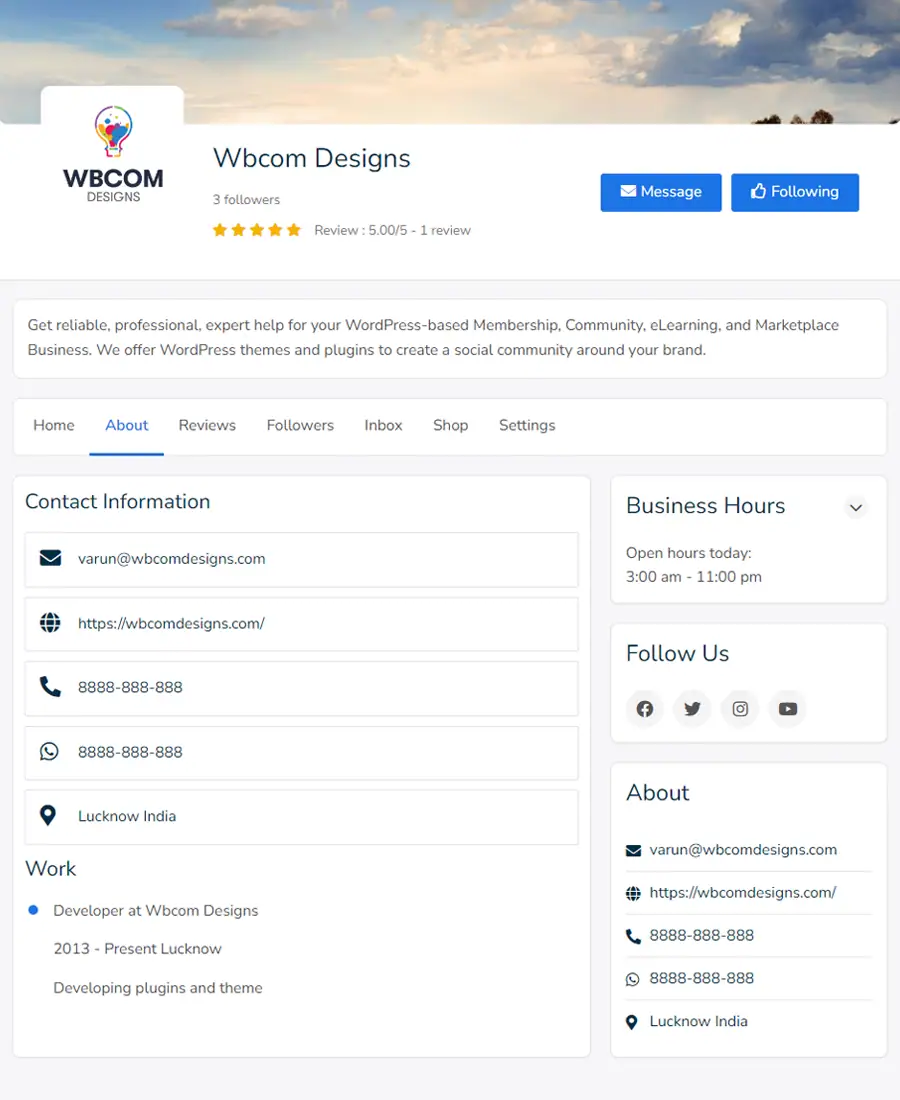
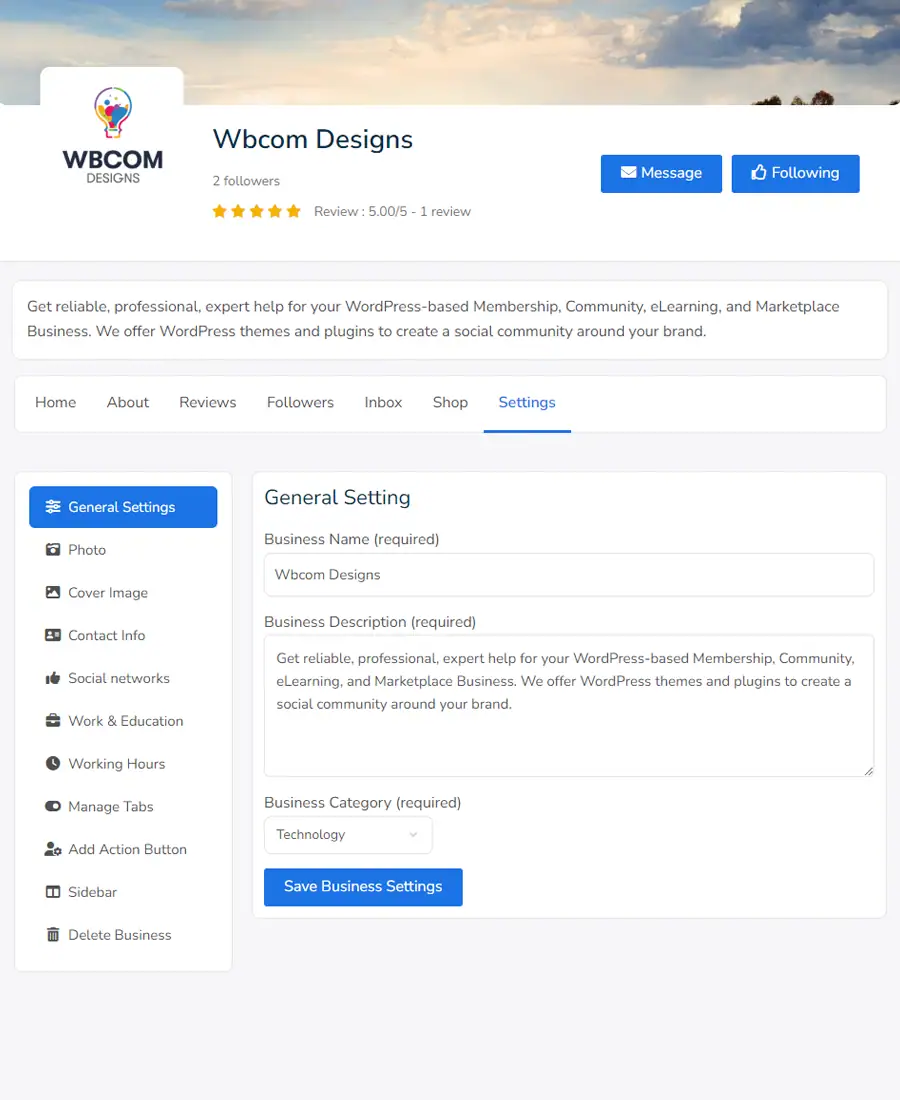
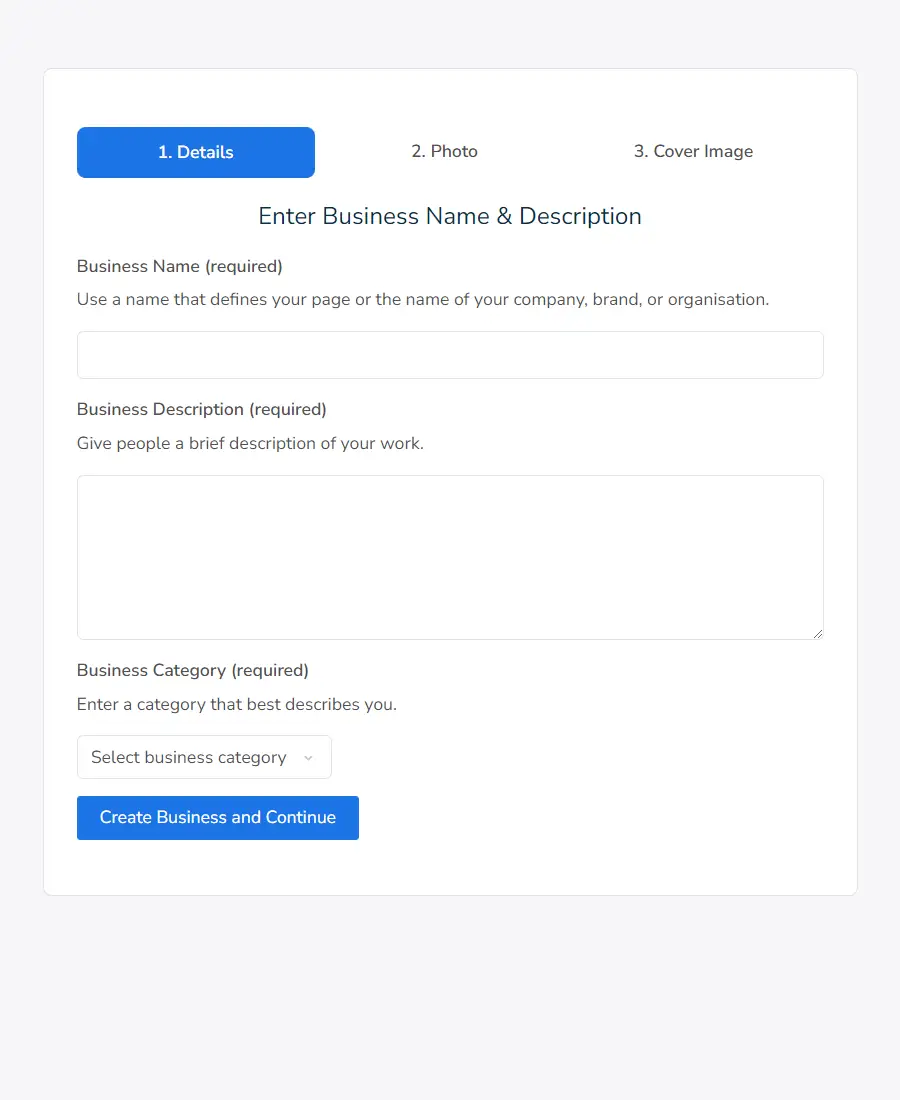
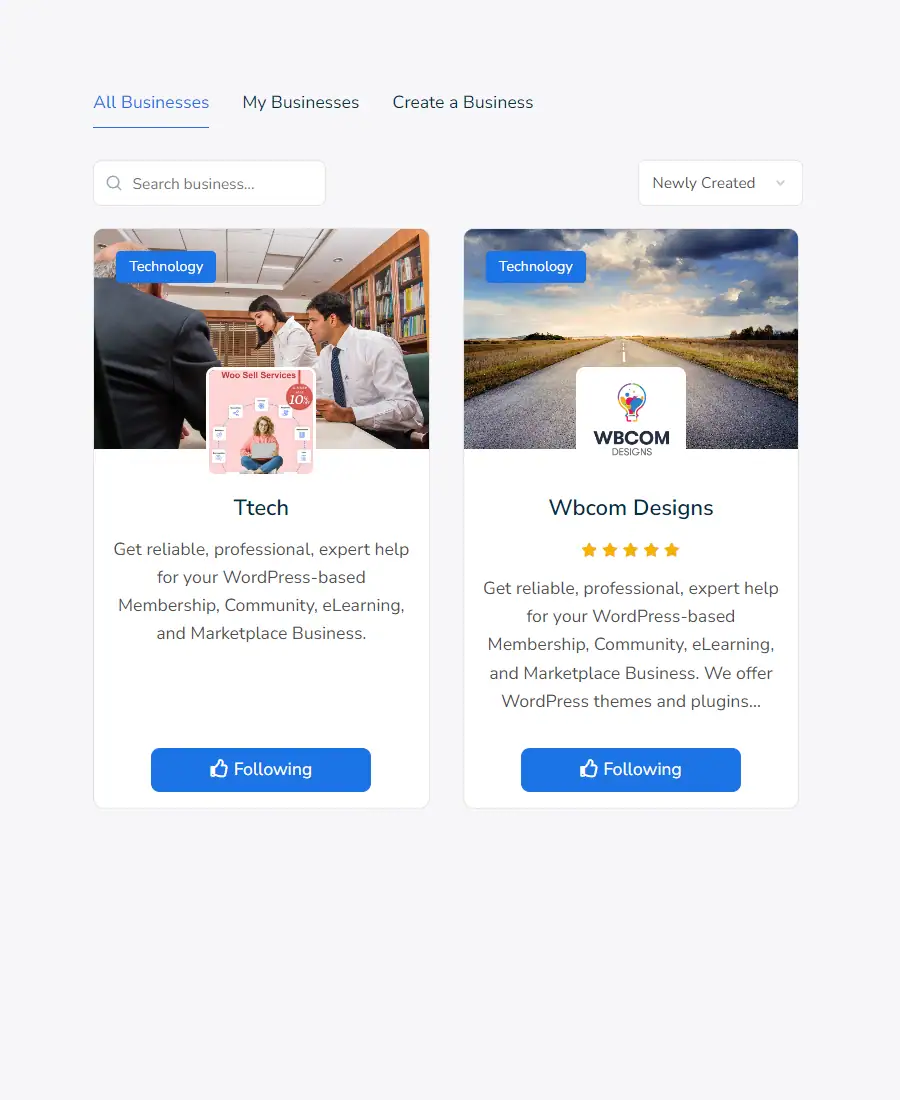
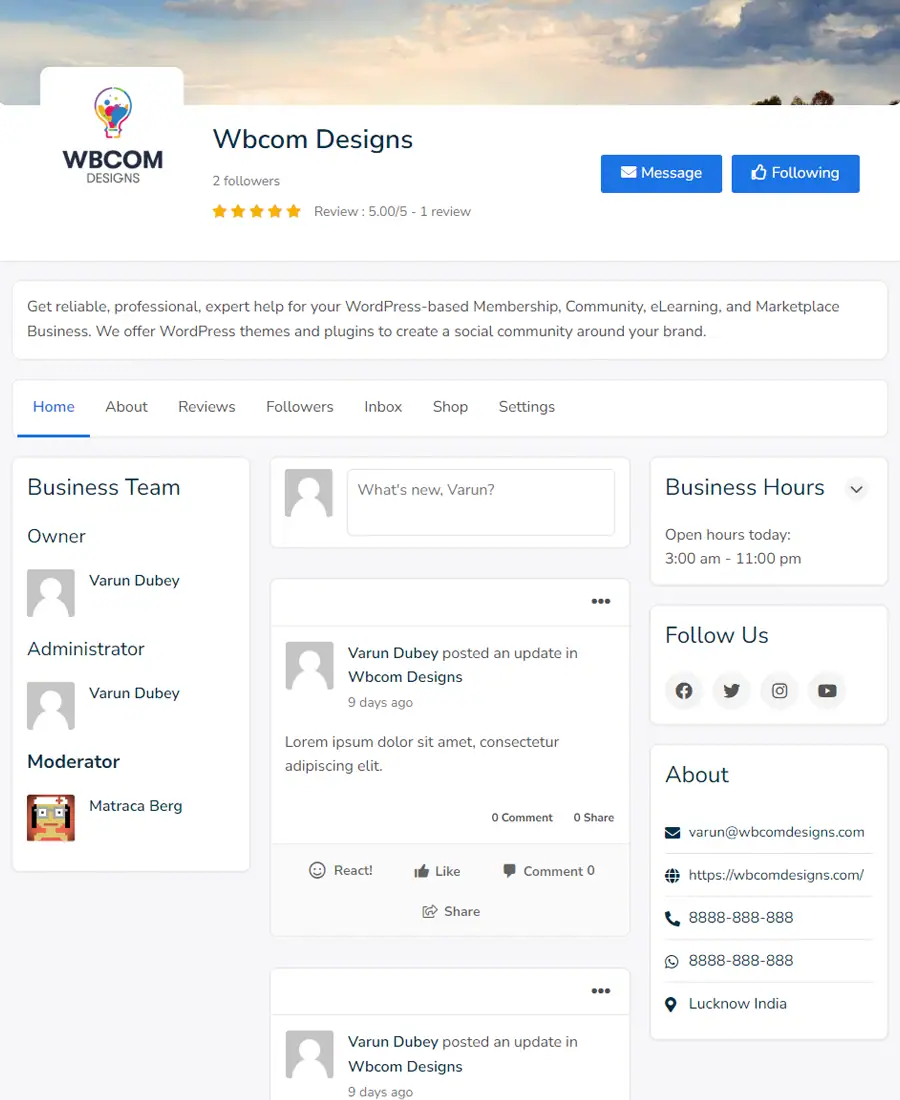
BuddyPress Business Pages enable your members to connect with their customers, fans, and followers within your social community. You can engage with your page followers by sharing relevant content, creating events, showcasing your products, and posting jobs to build and grow your community.
Change Log → Version v1.8.1 → Released: 13th Dec 2024
Countless Options to Grow your Business and Brands
saBusiness profile to improve online presence.
Extend your BuddyPress Community with Business Pages
Buddypress Business Pages will allow you to showcase your products and events, share news and updates, communicate through private messages, and gather valuable feedback from your clients and community members.
Business profile to improve online presence.
What can you do with the BuddyPress Business Pages
With a Buddypress Business Page, you can manage all aspects of your business to keep customers updated, publish and promote content, connect people with your products and deliver seamless customer service experiences.
Keep your members engaged, informed, and up to date
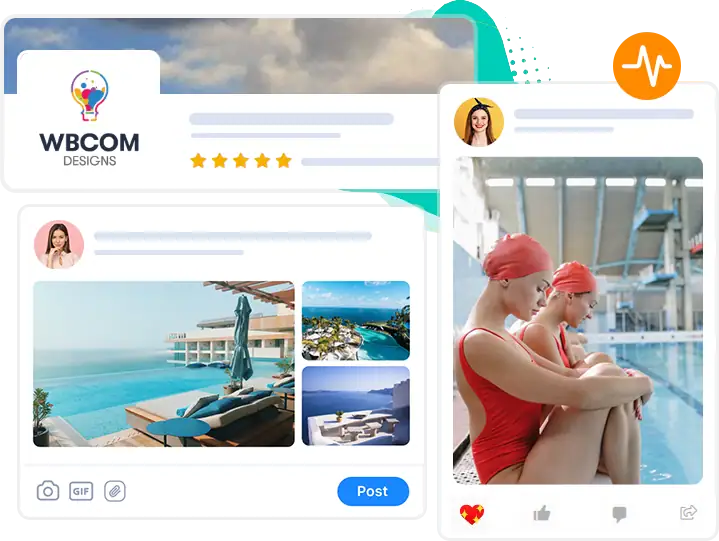
Business Activities
Sharing interesting announcements, images, and videos on your business page activity feed is essential to keep your members engaged and motivated. It will provide them with a constant source of engaging content and encourage interaction and connection within the community.
Features for Owner, Admin & Moderator
To allow someone to manage your page activities and participate in private messages, you can grant them admin permission and assign them a page role. Additionally, moderators can also participate in private messages.
Private Messaging
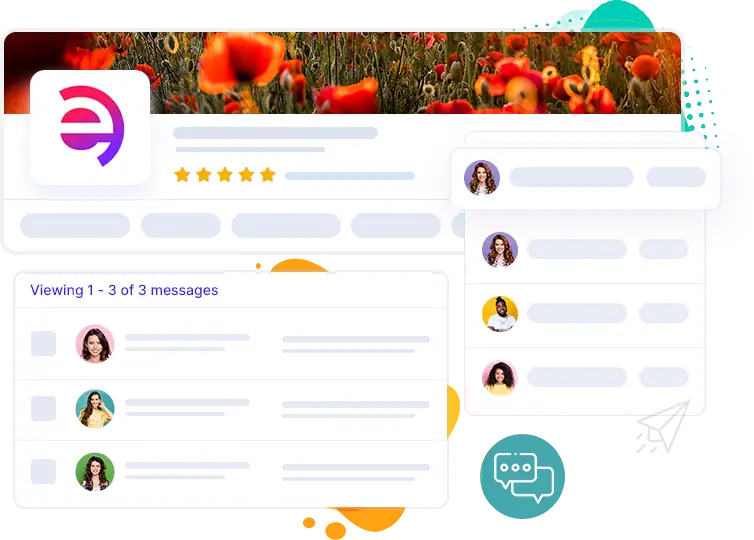
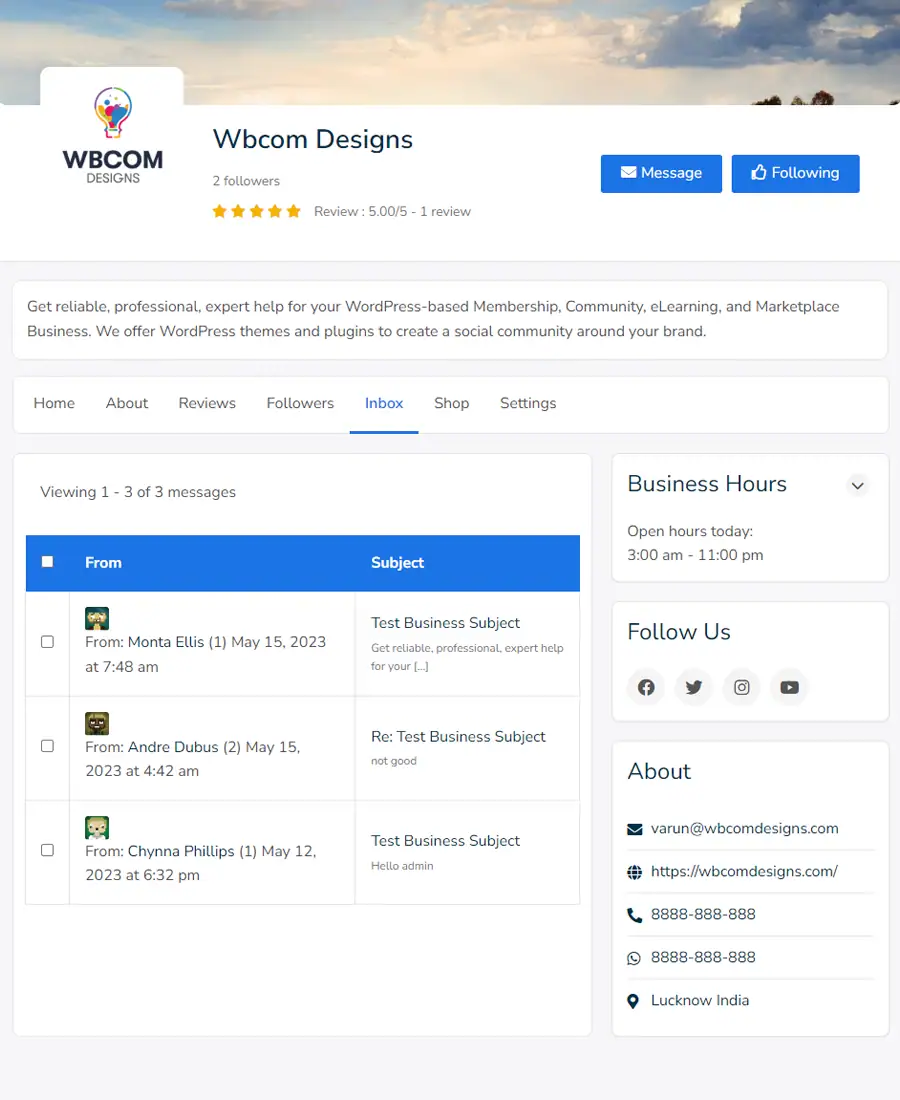
Utilize the messages on your Business page to establish a direct line of communication with your community members. You can manage communications with members and much more.
A direct and unique medium of communication.
Power up Business Pages with Inbox
Utilize the message box on your Business page to create a direct line with your community members. This tool allows you to manage your interactions with members and much more.
Features for Page Owner/Admin/Moderator:
- You can keep track of all your conversations with page members through the specific inbox for each page.
- Respond to messages with your buddypress profile.
Features for Community Members
- Send private messages to any business.
- View conversations with page admins and editors
Multiple members as admins of Business Pages!
Pages Roles & Management
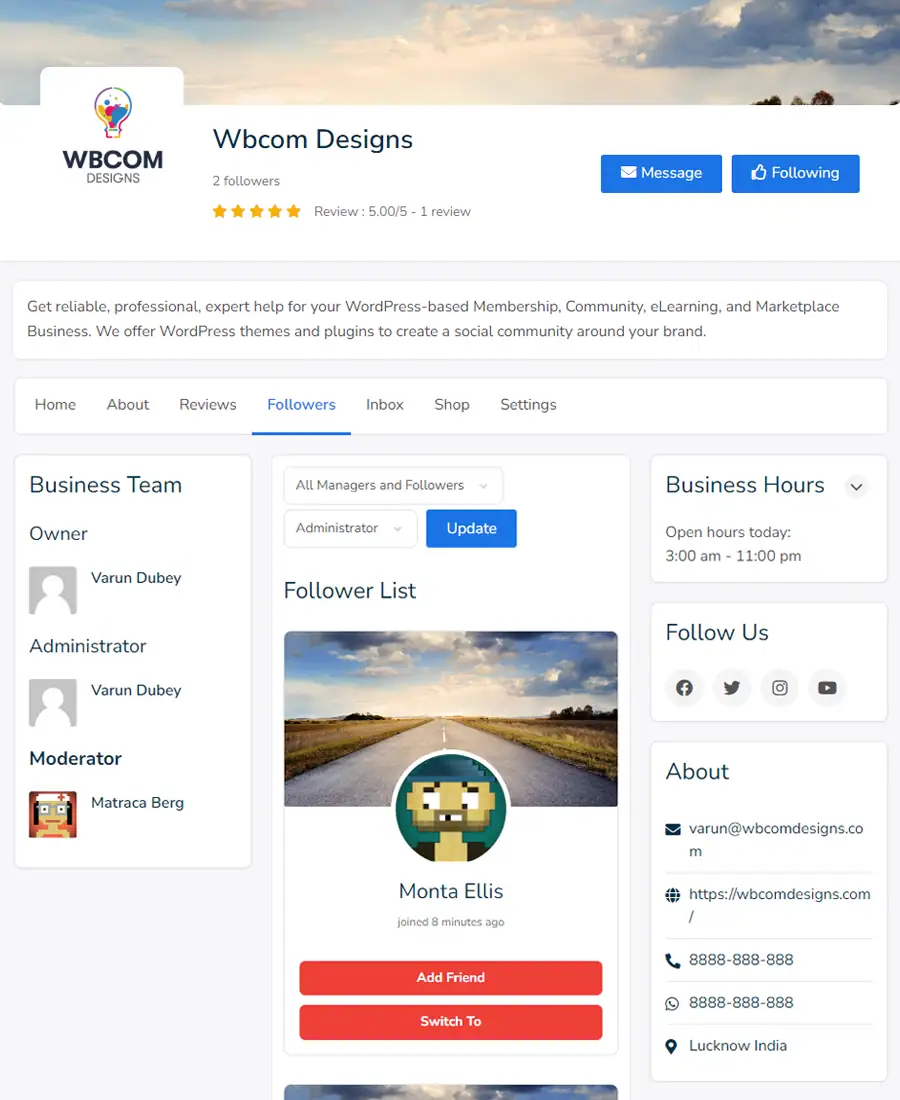
Assigning roles like administrators and moderators are essential to make Page management a breeze. User Access provides users with speedy access to specific features and options.
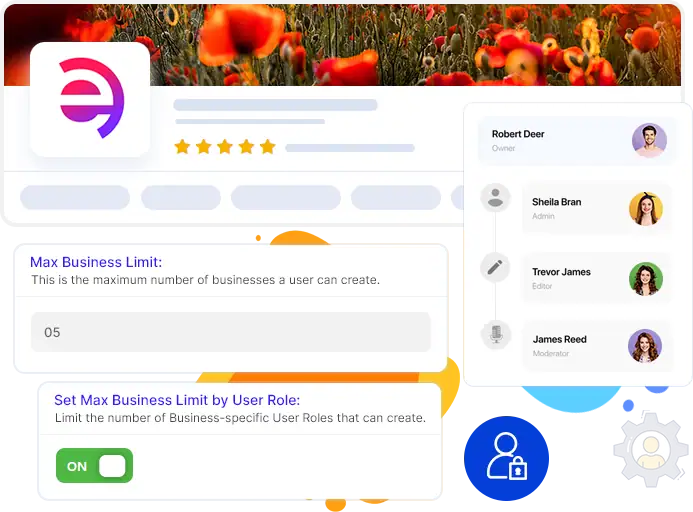
Page admins hold the highest level of authority and access, enabling them to modify all aspects of the Page, including assigning roles, editing user roles, and sending messages on behalf of the business.
Moderators enjoy the same access as admins, except for handling and assigning Page roles and settings. In addition, moderators can post updates and respond to communications on the business pages.
Required and Recommend Plugins
BuddyPress Business Page requires BuddyPress or BuddyBoss Platform to be installed and activated on your site. If you want to have Event, Jobs, and Shop on the Business page, install the Event Calendar, WP Job Manager, and WooCommerce plugins.
More Features available in BuddyPress Business Pages Plugin
The essential feature that helps you to grow your community
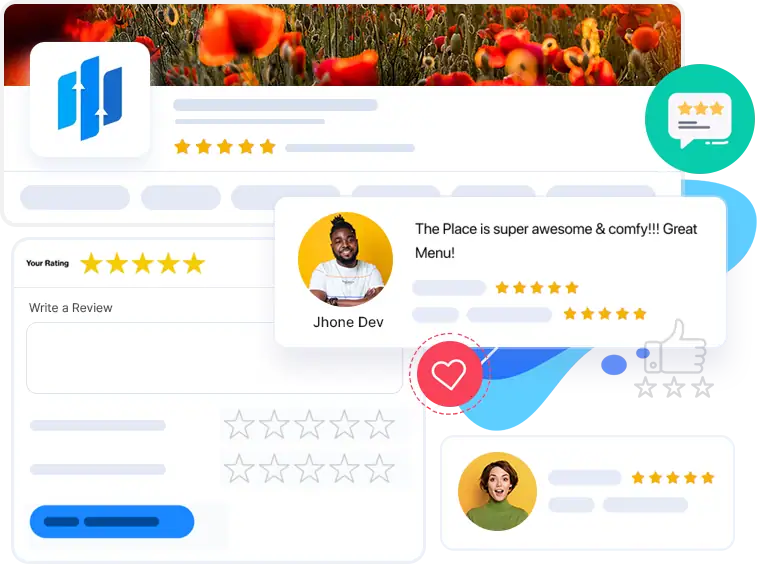
Reviews & Ratings for your Pages
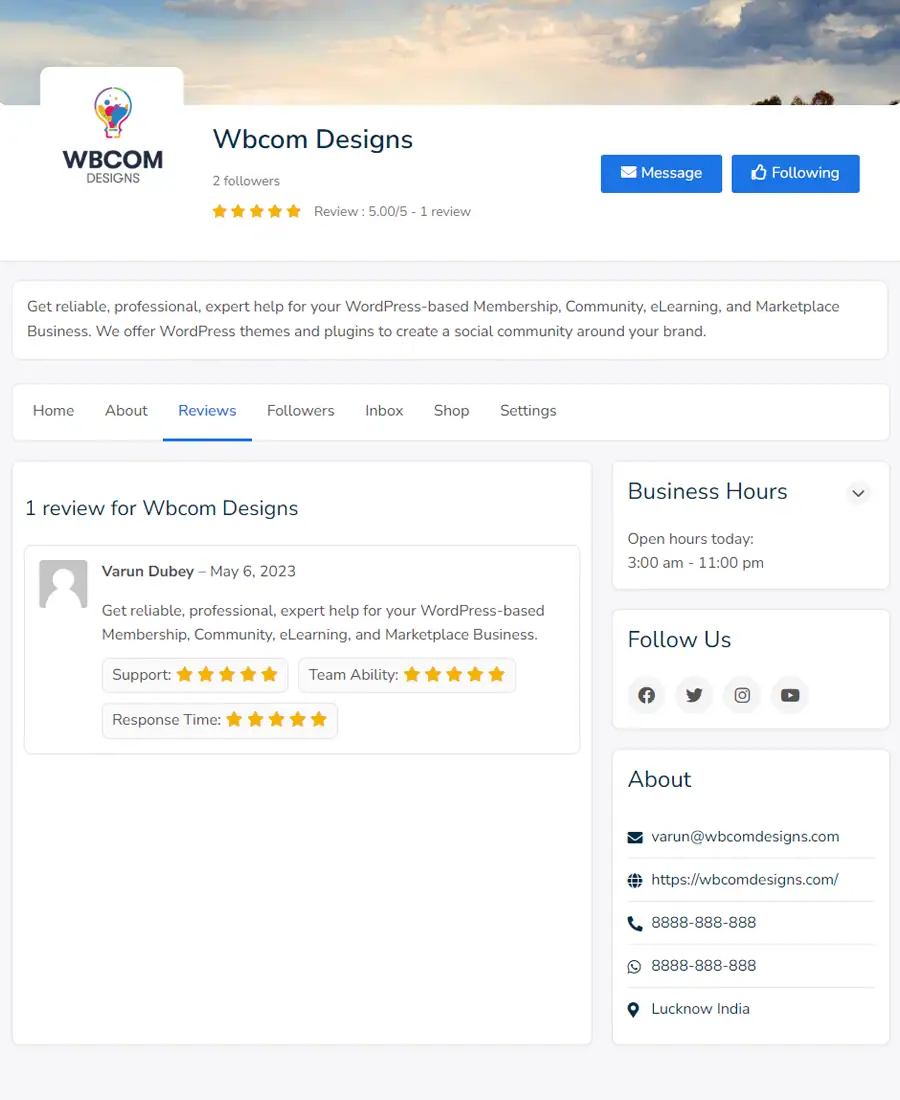
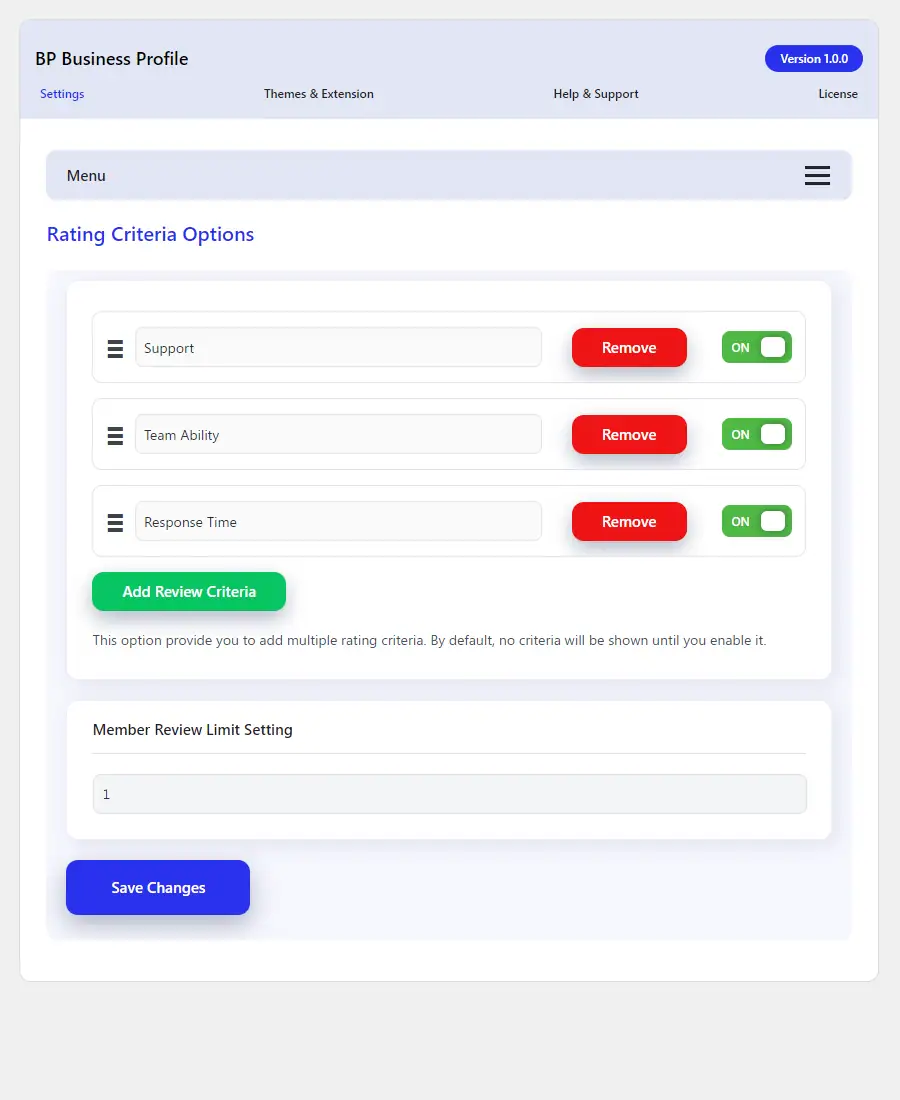
With the help of business page reviews, you can let people in your community rank and review your brands, companies, small businesses, or anything else that could benefit from the reviews.
Our platform offers a reviews feature that enables users to rate products or services on a 1 to 5-star scale. Our administrators can also create customized criteria for users to rate, which provides a more detailed and personalized review system. Each review includes both comments and star ratings for added insight.
Effective management is crucial for every business directory.
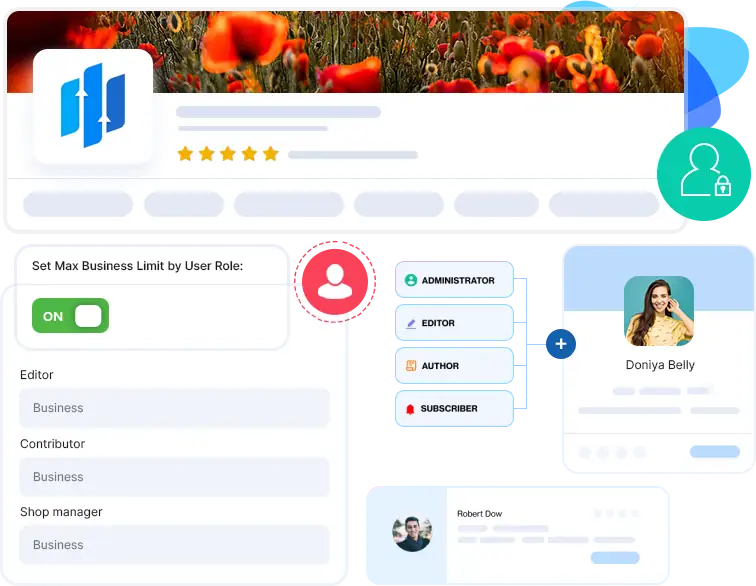
Implement restrictions based on the user's role and the member type.
BuddyPress Member Types are an essential feature of every BuddyPress or BuddyBoss Platform Community Website.
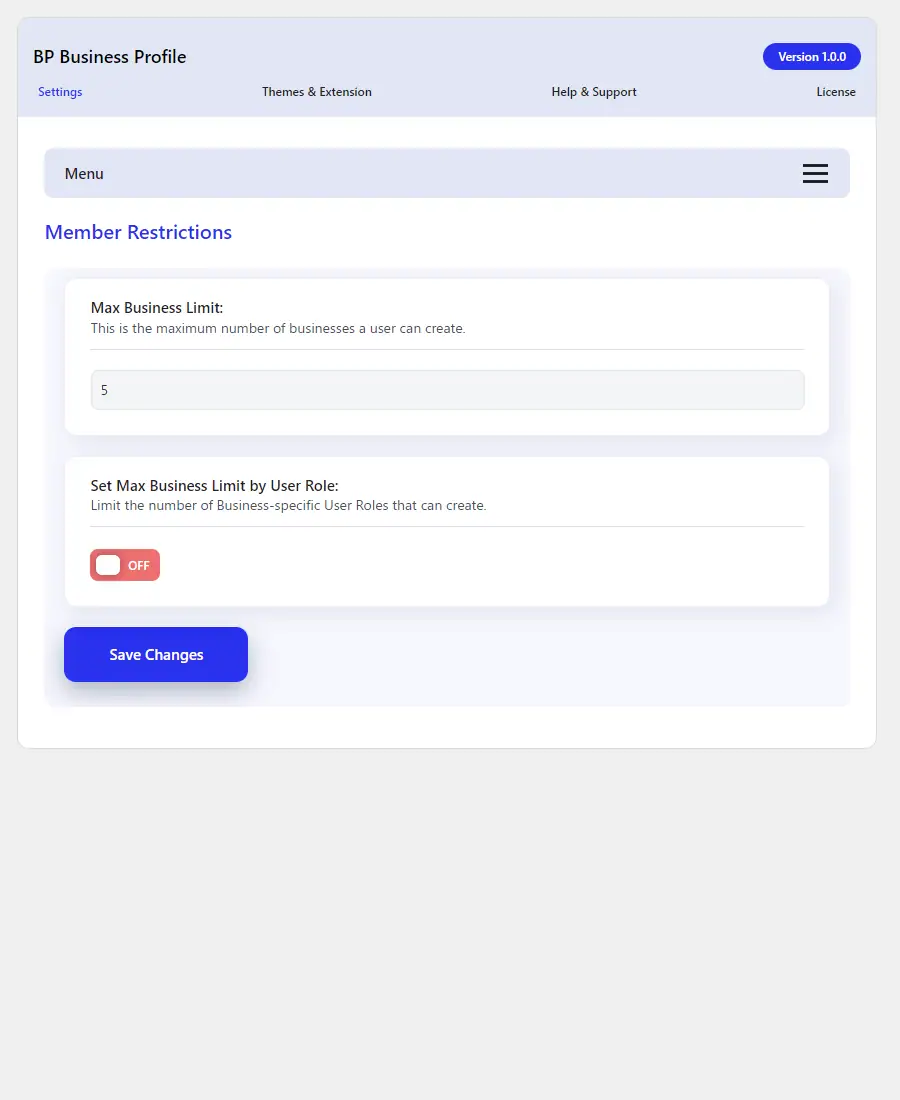
The BuddyPress Business Pages plugin can identify the different Member Types on your website and display them in the plugin settings. This allows you to easily manage the number of pages each member type or user role can handle.
Features for Site Admin
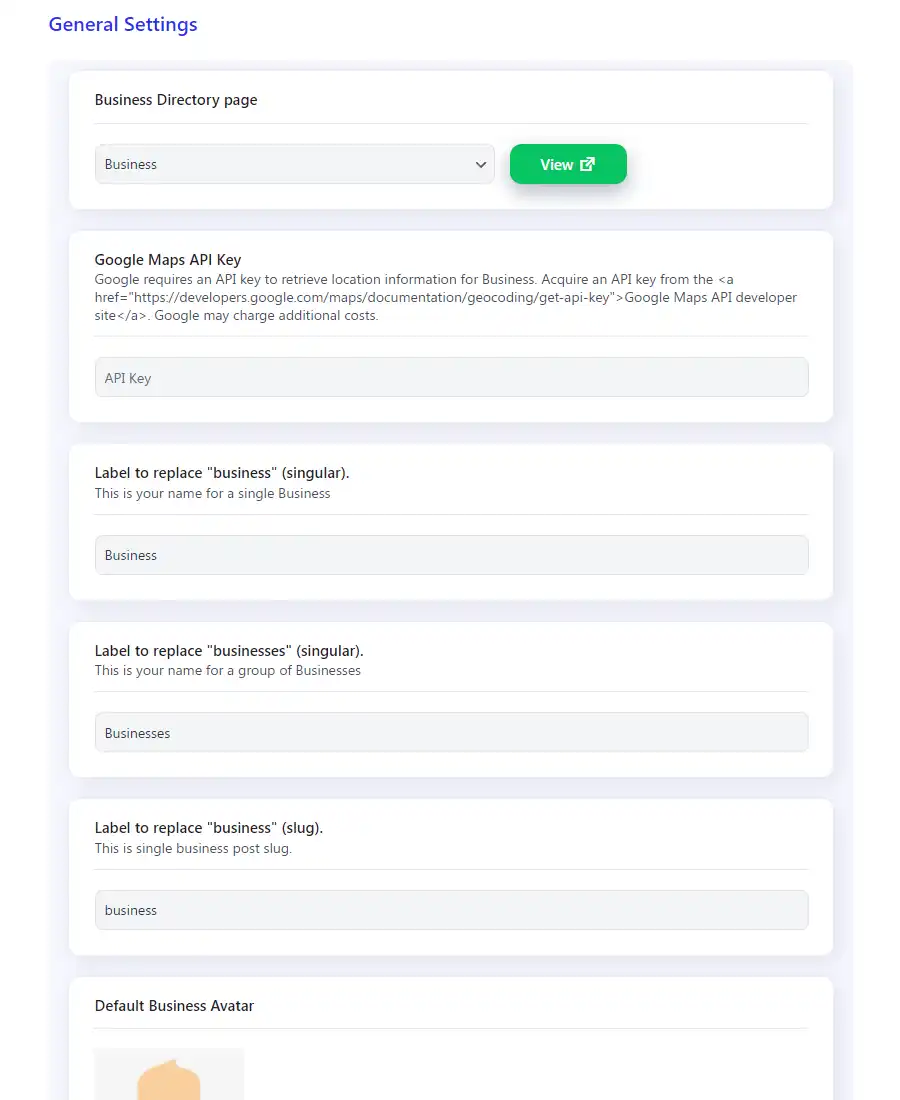
- Enable/Disable Event, Jobs & Shop integration.
- You can set criteria for business reviews.
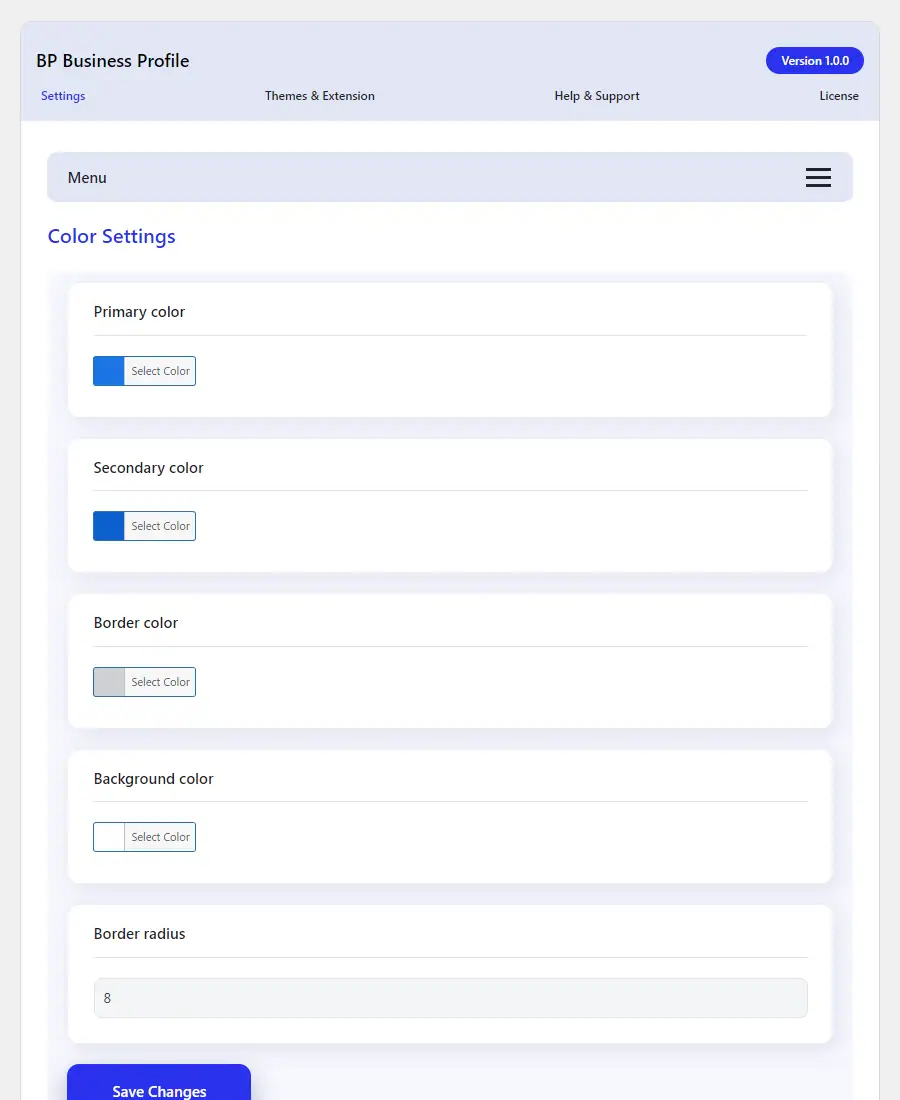
- Set up the brand colors for all business pages.
- Add a limit on the number of Business pages based on the user's role and membership type.
The Event Calendar
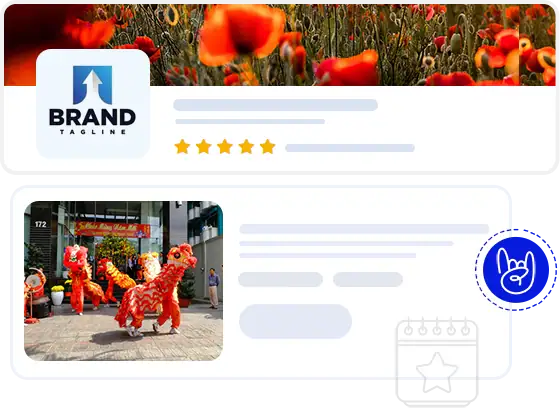
Create and Manage Business Events
Business events are amazing opportunity to have fun and Learn.
BuddyPress Business page allows Business page owners to create and manage events easily with the help of Event Manager and Community Event plugin.
WooCommerce
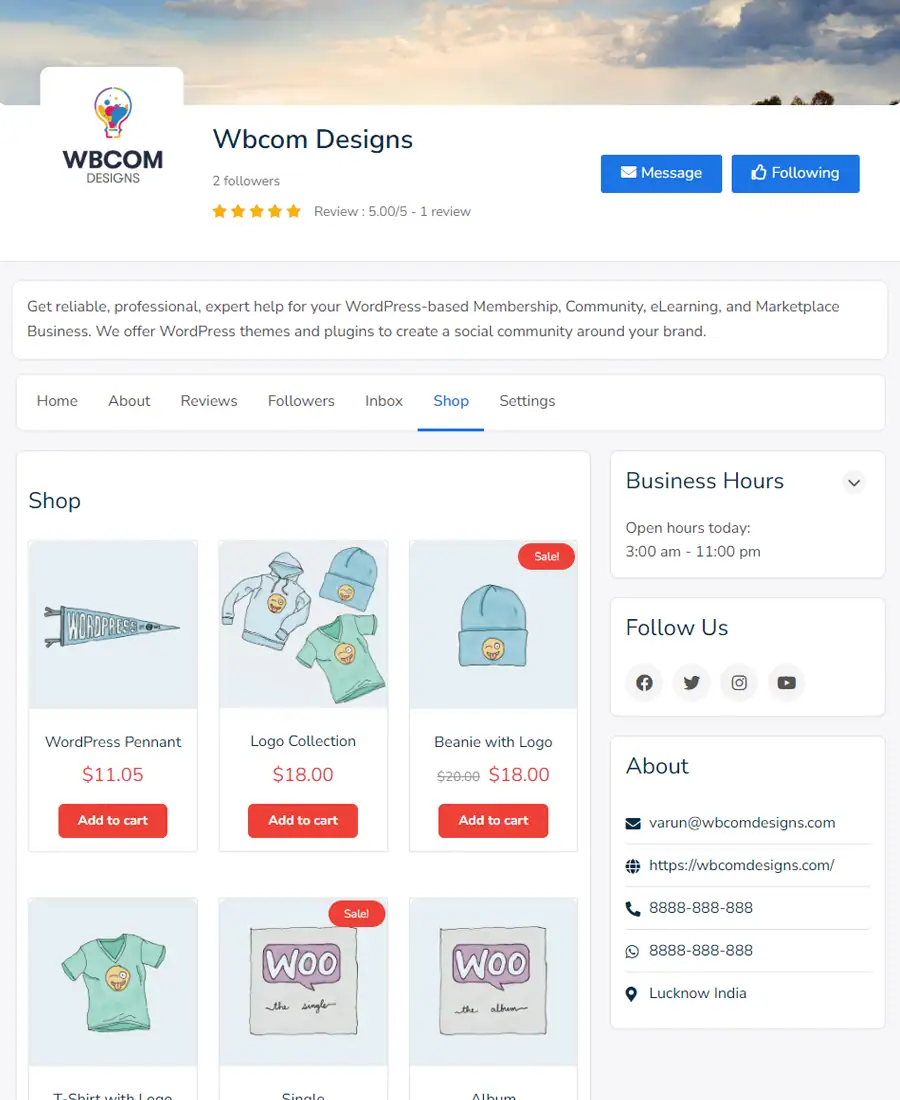
Establish your online Shop
Shops are a way to look through collections and purchase products on BuddyPress Business Pages. When a Page sets up a shop with WooCommerce, the Page may customise its collections to show you more relevant products.
Simple Pricing
We are here to help! We include extensive documentation to set up every aspect of our products, but if you need further assistance we’ll be right there with you on our fully monitored Support!
Check out our Refund policy and Support policy.
All pricing is in USD. You can change plans or cancel your account at any time. Read more about the Privacy Policy.
We are always available!
Please contact us at any moment if you need assistance with the product or have a suggestion for a feature that would improve your workflow.